VBScript Requires Chilkat v11.2.0+
VBScript
Markdown to HTML - Full Document, Raw
See more Markdown Examples
Demonstrates how to convert a complete Markdown document to HTML using theraw theme. With the raw theme, only the HTML elements are generated, excluding:
- Document Type Declaration (e.g. <!DOCTYPE html>)
- Root Element (e.g., <html> )
- Head Section
- Enclosing <body> and </body> elements
- Closing </html> element
Chilkat VBScript Downloads
Dim fso, outFile
Set fso = CreateObject("Scripting.FileSystemObject")
'Create a Unicode (utf-16) output text file.
Set outFile = fso.CreateTextFile("output.txt", True, True)
success = 0
set options = CreateObject("Chilkat.JsonObject")
success = options.UpdateString("theme","raw")
set sbMarkdown = CreateObject("Chilkat.StringBuilder")
set sbHtml = CreateObject("Chilkat.StringBuilder")
success = sbMarkdown.LoadFile("qa_data/markdown/test1.md","utf-8")
If (success = 0) Then
outFile.WriteLine(sbMarkdown.LastErrorText)
WScript.Quit
End If
success = sbMarkdown.MarkdownToHtml(options,sbHtml)
success = sbHtml.ToCRLF()
outFile.WriteLine(sbHtml.GetAsString())
' Sample markdown input:
' (See sample HTML output below.)
' 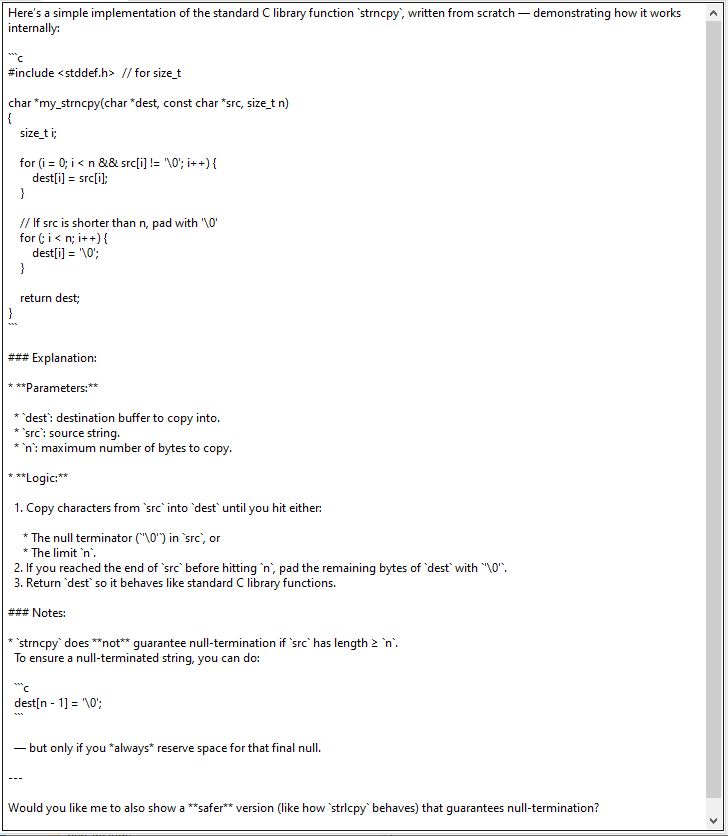 ' Sample HTML output:
'
' Sample HTML output:
' 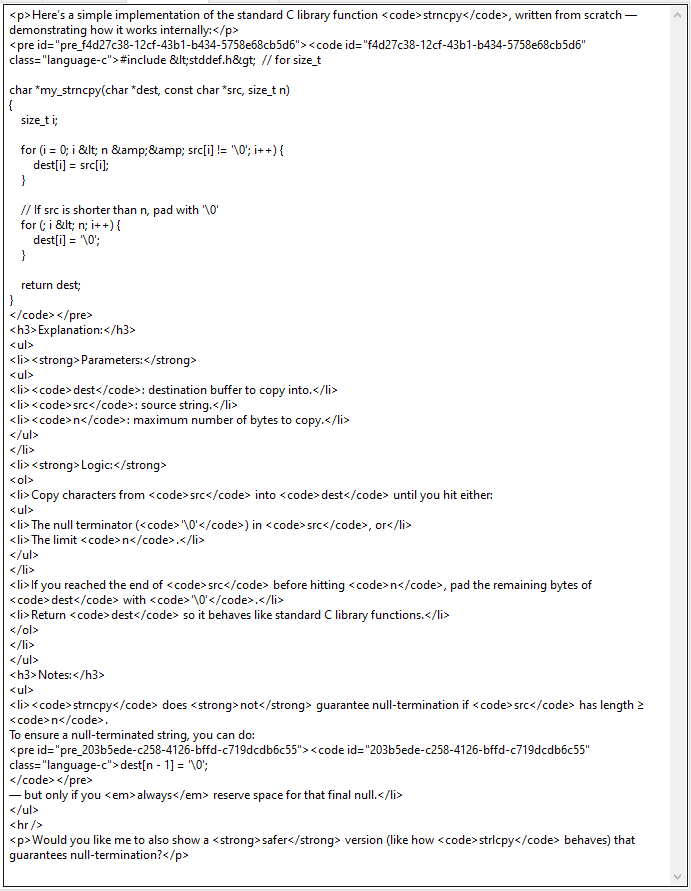 outFile.Close